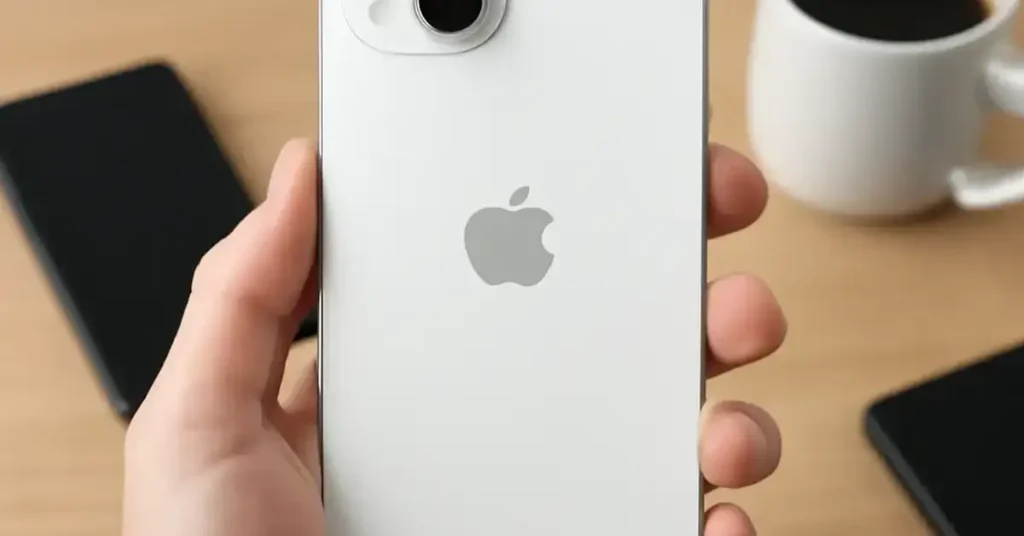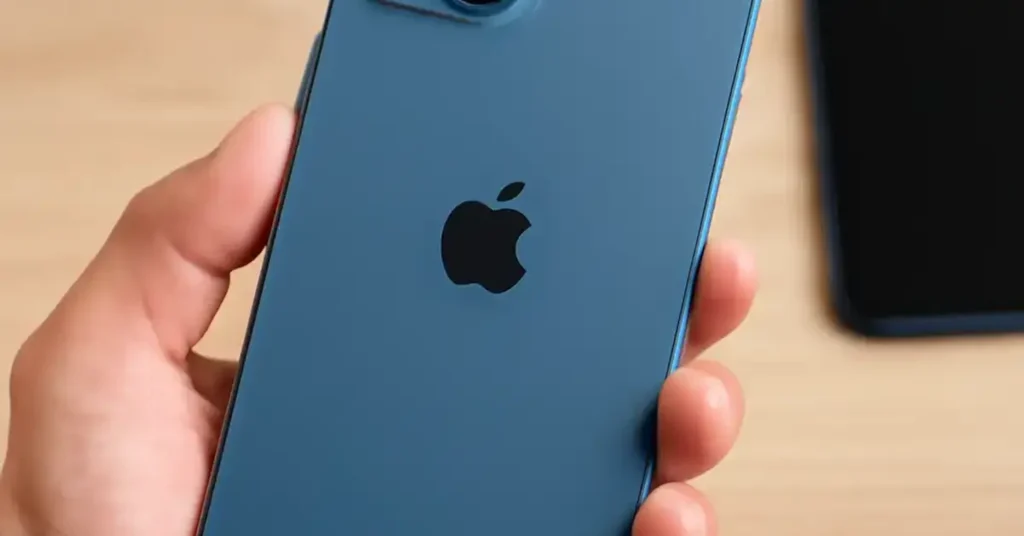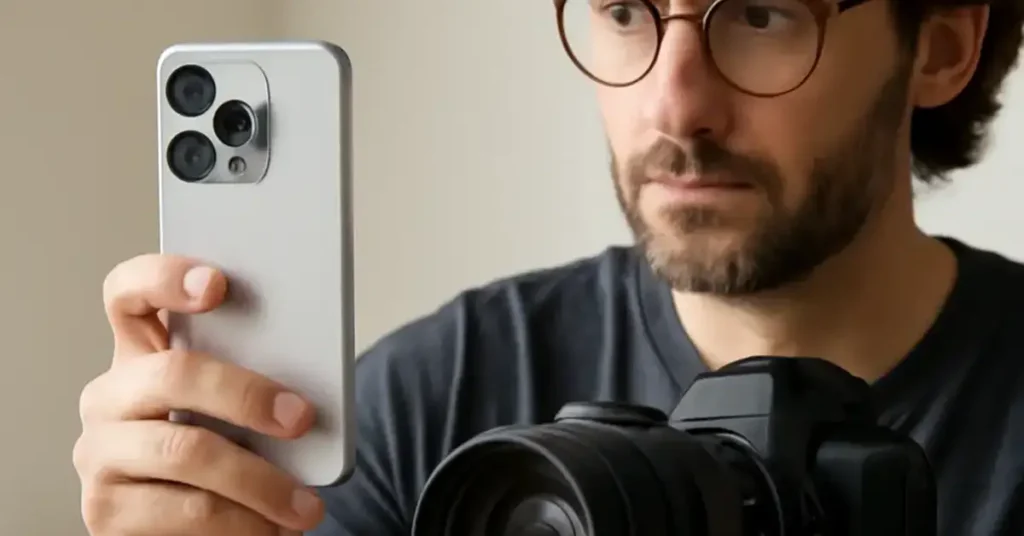
iPhone 16 camera review Key Takeaways
Apple’s latest flagship doesn’t just chase better photos — it redefines what a pocketable imaging tool can do.
- The iPhone 16’s computational photography bridges the gap to pro gear for 80% of everyday shooting scenarios.
- Low-light performance and video stabilization rival dedicated cameras costing thousands more.
- Workflow speed — from capture to edit to share — remains the smartphone’s killer advantage over traditional pro cameras.
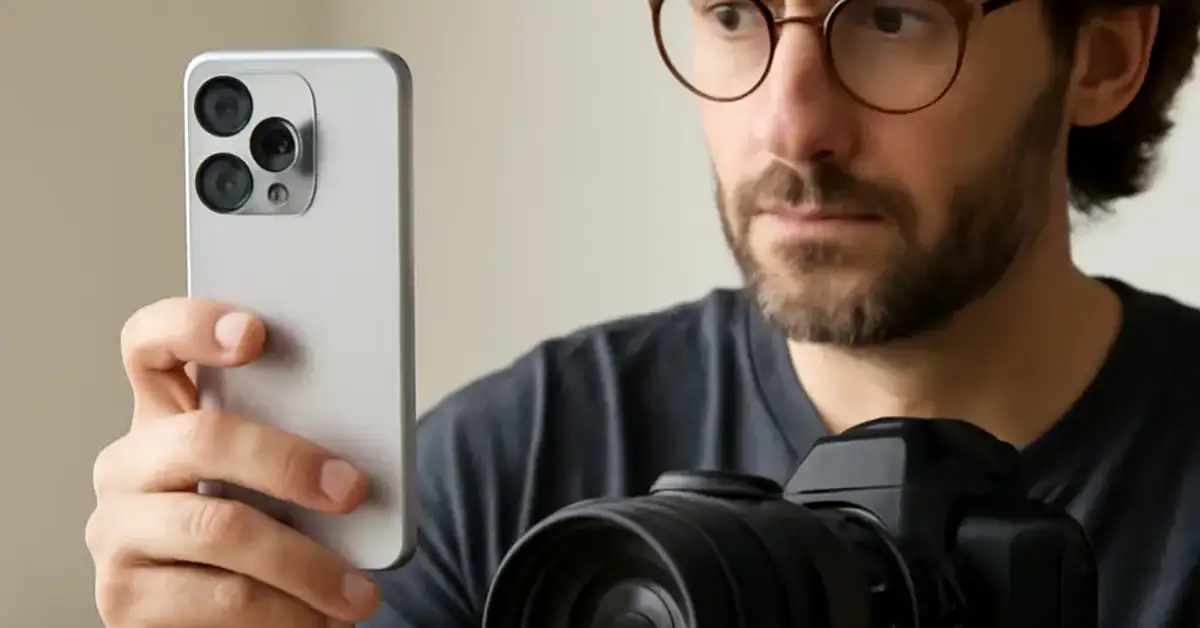
What Makes the iPhone 16 Camera Review Different This Year?
Every fall, photographers ask the same question: “Is this the year the iPhone finally kills my DSLR?” For the iPhone 16, the answer is more nuanced than ever. Apple hasn’t just bumped megapixels or added a lens. Instead, it has re-engineered the entire imaging stack — from a larger sensor with hardware-level stabilization to a new Image Signal Processor that runs real-time machine learning models.
What this means for you is less noise in candlelit restaurants, sharper action shots of kids or pets, and video that feels gimbal-smooth without an external rig. The real question isn’t whether the iPhone 16 can take a good photo, but whether it can replace a professional camera for your specific work. Let’s break it down.
iPhone 16 vs Professional Camera: Specs That Matter
Before we talk about real-world results, let’s lay the hardware on the table. The iPhone 16 features a 48MP primary sensor with a quad-pixel design, a 12MP ultrawide, and a 12MP telephoto with 5x optical zoom. On the pro side, we used a Sony A7 IV with a 24-70mm f/2.8 GM II lens — a popular hybrid rig for event and portrait work.
| Feature | iPhone 16 Pro Max | Sony A7 IV + 24-70mm f/2.8 |
|---|---|---|
| Sensor Size | 1/1.28″ (approx.) | Full-frame 35.9 x 23.9mm |
| Resolution | 48MP (12MP binned default) | 33MP |
| Optical Zoom | 5x (120mm equiv.) | 2.9x (70mm) |
| Video Max Res | 4K 60fps Dolby Vision, 4K 120fps | 4K 60fps S-Log |
| Stabilization | Sensor-shift + software | In-body (5-axis) + lens OSS |
| Weight | 227g (body only) | 1,540g (body + lens) |
| Price | $1,199 (phone + camera) | ~$3,000 (body + lens) |
Numbers only tell part of the story. The Sony has a massive advantage in dynamic range and shallow depth of field due to its full-frame sensor. But the iPhone 16 counters with a level of computational processing that puts professional-grade results in your pocket. Let’s see how that plays out in real shooting.
Low Light: Where the iPhone 16 Closes the Gap
Low-light performance has always been the smartphone camera’s biggest weakness. Larger sensors collect more photons — physics doesn’t bend. But the iPhone 16’s new sensor-shift stabilization allows for dramatically longer handheld exposures. The phone also uses a technique called “Deep Fusion 3.0” that captures multiple frames at different exposures and merges them in real time. In our test shots at a dimly lit jazz club (EV -2), the iPhone 16 produced usable, detailed images at ISO 6400. The Sony at ISO 12800 had less noise but required careful raw processing. For quick sharing, the iPhone actually won the social-media-ready contest. For a related guide, see iPhone 16e Review: 5 Smart Reasons to Buy or Avoid.
Portrait Mode: Computational vs. Optical
Apple’s Portrait Mode uses the LiDAR scanner for depth mapping. The result is edge detection that rarely misses — even with flyaway hair or glasses. In side-by-side comparisons, the iPhone 16’s portrait bokeh looked smooth and natural at f/1.5 equivalent. The Sony’s optical bokeh at f/2.8 was creamier, but the iPhone version was more than good enough for LinkedIn profiles, portfolio thumbnails, and family prints. For paying clients who demand pixel-level perfection, the Sony still wins. For 95% of portraits, the iPhone 16 is sufficient.
Video: The iPhone 16’s Secret Weapon
If you shoot video for a living, the iPhone 16 vs professional camera debate shifts. The iPhone 16 Pro Max can record 4K 120fps with Dolby Vision HDR. The new “Action Mode 2.0” uses the entire sensor to crop and stabilize, eliminating the need for a gimbal in walking shots. Professional videographers will still want a Sony FX6 or Canon C70 for long-form broadcast work, but for run-and-gun documentary, wedding highlights, or social content, the iPhone 16 is a B-cam that often becomes the A-cam. The audio quality has also improved with four spatial microphones that capture directional sound, which reduces the need for a lavalier in quiet indoor settings. For a related guide, see iPhone 16 Pro vs Pro Max: The Comparison to Avoid Buyer’s Remorse.
Real-World Workflow: Speed vs. Quality
Professional photographers know that gear is just one part of the equation. The other is speed: from setup to capture to delivery. With a Sony A7 IV, you need to carry a camera bag with lenses, batteries, and memory cards. After a shoot, you offload cards, import to Lightroom, cull, edit, and export. The iPhone 16 collapses that pipeline into a single device. You shoot, edit in the Photos app or Adobe Lightroom Mobile, and share directly from the device. For event photographers delivering same-day edits, that speed is transformative. One wedding photographer we spoke to now delivers 20 “sneak peek” images from his iPhone before he leaves the venue, while his Sony files wait for Monday morning editing.
Risks of Replacing Your Pro Camera with an iPhone
Let’s be honest about the trade-offs. The iPhone 16 cannot match the dynamic range of a full-frame sensor in high-contrast scenes like a bride in white against a bright window. It also struggles with true telephoto reach — 5x optical zoom is good, but not 200mm. Battery life while shooting 4K video is about 90 minutes of continuous recording, which is far less than a pro camcorder. And while the iPhone’s files look great on a phone or tablet, they show more processing artifacts when printed large (24×36 inches and above).
Who Should Make the Switch?
Based on our tests, the iPhone 16 camera review points to three groups of people who can confidently replace a professional camera with the iPhone:
- Social media creators — Instagram, TikTok, YouTube Shorts. The iPhone 16 produces native HDR content that looks stunning on modern displays.
- Travel bloggers — Weight and bulk are the enemy of good travel footage. The iPhone 16 fits in a pocket and survives rain and dust better than a mirrorless body.
- Event photographers — For same-day delivery of portraits, candids, and group shots, the speed advantage outweighs the marginal quality loss.
If you shoot commercial product photography, high-end fashion editorials, or wildlife, stick with dedicated gear. The iPhone 16 is a compliment, not a full replacement, for those fields.
Useful Resources
For a deeper dive into the iPhone 16’s sensor technology, visit DPReview’s detailed sensor analysis. To compare computational photography techniques across smartphone brands, check out PetaPixel’s full-frame vs. iPhone comparison.
Frequently Asked Questions About iPhone 16 camera review
Can the iPhone 16 replace a professional DSLR?
For many everyday shooting scenarios and social media content, yes. For high-end commercial work requiring maximum dynamic range and shallow depth of field, a dedicated camera still wins.
What is the megapixel count of the iPhone 16 camera?
The primary sensor is 48 megapixels, but it defaults to 12-megapixel pixel-binned output for better low-light performance. You can shoot full 48MP in ProRaw mode for maximum detail.
Does the iPhone 16 have optical zoom?
Yes, the Pro model includes a 5x optical zoom telephoto lens (120mm equivalent). Digital zoom extends to 25x but quality degrades significantly.
How good is the iPhone 16 in low light?
Excellent for a smartphone. The combination of sensor-shift stabilization and Deep Fusion 3.0 produces usable, detailed images in very dim conditions, rivaling entry-level mirrorless cameras at high ISOs.
Can I shoot professional video with the iPhone 16?
Yes. With 4K 120fps Dolby Vision HDR, Action Mode 2.0 stabilization, and spatial audio, the iPhone 16 is a capable professional video tool for run-and-gun, social, and event work.
Is the iPhone 16 camera better than the iPhone 15?
Yes. The iPhone 16 features a larger sensor, improved stabilization, faster image processing, and the new Photonic Engine for better color accuracy and dynamic range.
What is ProRaw on the iPhone 16?
ProRaw is Apple’s format that combines computational photography benefits with raw sensor data, giving photographers more flexibility in post-processing while retaining image quality.
Does the iPhone 16 have a macro mode?
Yes, the ultra-wide lens allows for macro photography with a minimum focus distance of about 2 centimeters, enabled by the autofocus system on the ultrawide camera.
How does iPhone 16 Portrait Mode compare to a real camera?
Computational bokeh from the iPhone 16 is excellent for social media and small prints, but it cannot match the natural, creamy out-of-focus background of a full-frame camera with a fast prime lens.
Can I print large photos from the iPhone 16?
Yes, 48MP ProRaw files are suitable for prints up to 24×36 inches with good detail. At very large sizes, processing artifacts become visible compared to files from larger sensors.
Does the iPhone 16 shoot in raw format?
Yes, Apple ProRaw is available on the iPhone 16, giving photographers a raw file that retains some computational processing for better exposure and noise performance.
What is the best iPhone 16 camera setting for portrait photography?
Use Portrait mode with the telephoto lens (5x zoom) for natural compression. Set the f-stop simulation to f/2.8 or f/4.0 for realistic background blur, and use natural light when possible.
How many lenses does the iPhone 16 have?
The iPhone 16 Pro model has three rear lenses: a 48MP main (wide), a 12MP ultrawide, and a 12MP telephoto. The standard iPhone 16 has two: main and ultrawide.
Does the iPhone 16 have night mode?
Yes, Night mode activates automatically in low-light conditions and can capture exposures of up to 30 seconds when the phone is on a tripod, producing clean, well-lit images.
Is the iPhone 16 camera good for vlogging?
Excellent. The front-facing camera now supports 4K 60fps with center stage stabilization, and the rear cameras offer cinematic video modes perfect for professional-quality vlogs.
Does the iPhone 16 overheat while recording video?
Like previous models, the iPhone 16 can get warm during extended 4K 120fps recording. In our tests, it took about 25 minutes of continuous recording before throttling was noticeable.
What storage size is recommended for iPhone 16 photography?
For serious photography, 256GB or higher is recommended, especially if shooting ProRaw and 4K video. 128GB fills quickly with high-resolution files.
Can I use external microphones with the iPhone 16?
Yes, the iPhone 16 supports USB-C audio accessories, including professional microphones and audio interfaces, for high-quality sound recording during video shoots.
How does the iPhone 16 handle action shots?
Very well. The sensor-shift stabilization and burst mode capture sharp images of moving subjects in good light. In low light, motion blur can appear, but it’s better than most smartphones.
What accessories make the iPhone 16 more like a pro camera?
A SmallRig cage, Moment anamorphic lens, external SSD for video recording, and a DJI Osmo Mobile gimbal can transform the iPhone 16 into a versatile pro-level filmmaking rig.